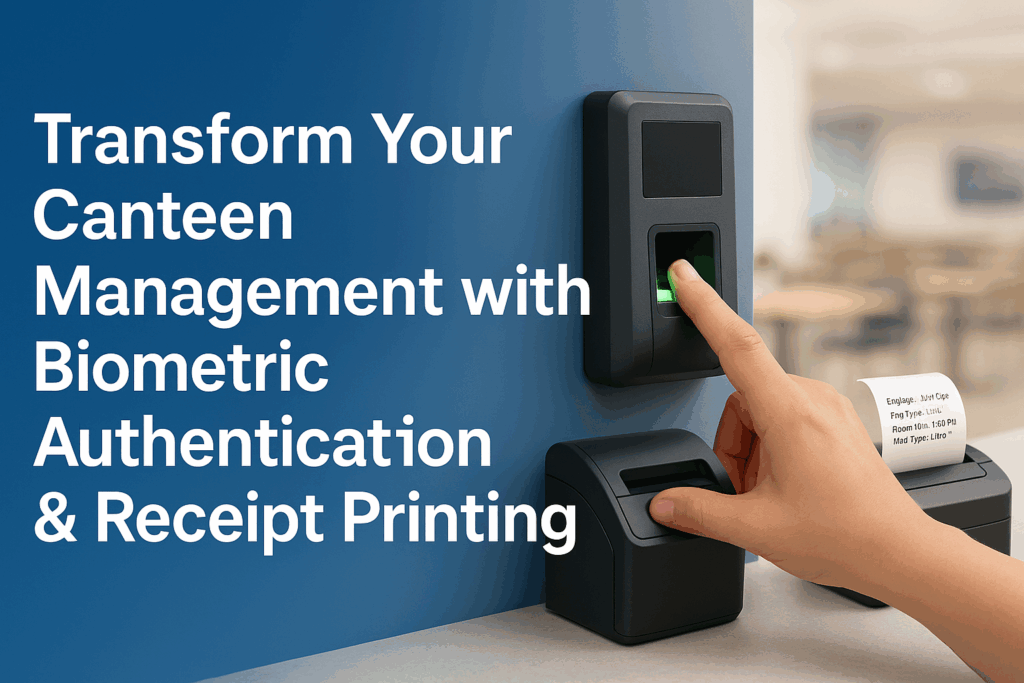
Managing a busy workplace canteen efficiently can be challenging. Long queues, manual record-keeping, and billing errors frustrate staff and administrators alike. In this guide, we’ll walk you through an iterative, three-phase approach to upgrading your canteen with biometric authentication and integrated receipt printing—no code required.
Why Modernize Your Canteen?
- Speed up service: Eliminate manual ID checks and paper tokens.
- Accurate billing: Automate price, tax, and discount calculations.
- Real-time insights: Monitor peak hours
System Overview
Before diving in, let’s look at the core components:
- Frontend POS: A web or touchscreen kiosk for quick order entry.
- Biometric Terminal: Fingerprint or RFID reader at the canteen entrance.
- Receipt Printer: A thermal printer (USB/Ethernet) for instant receipts.
- Backend Dashboard: Centralized software for transaction logs and analytics.
Biometric Authentication
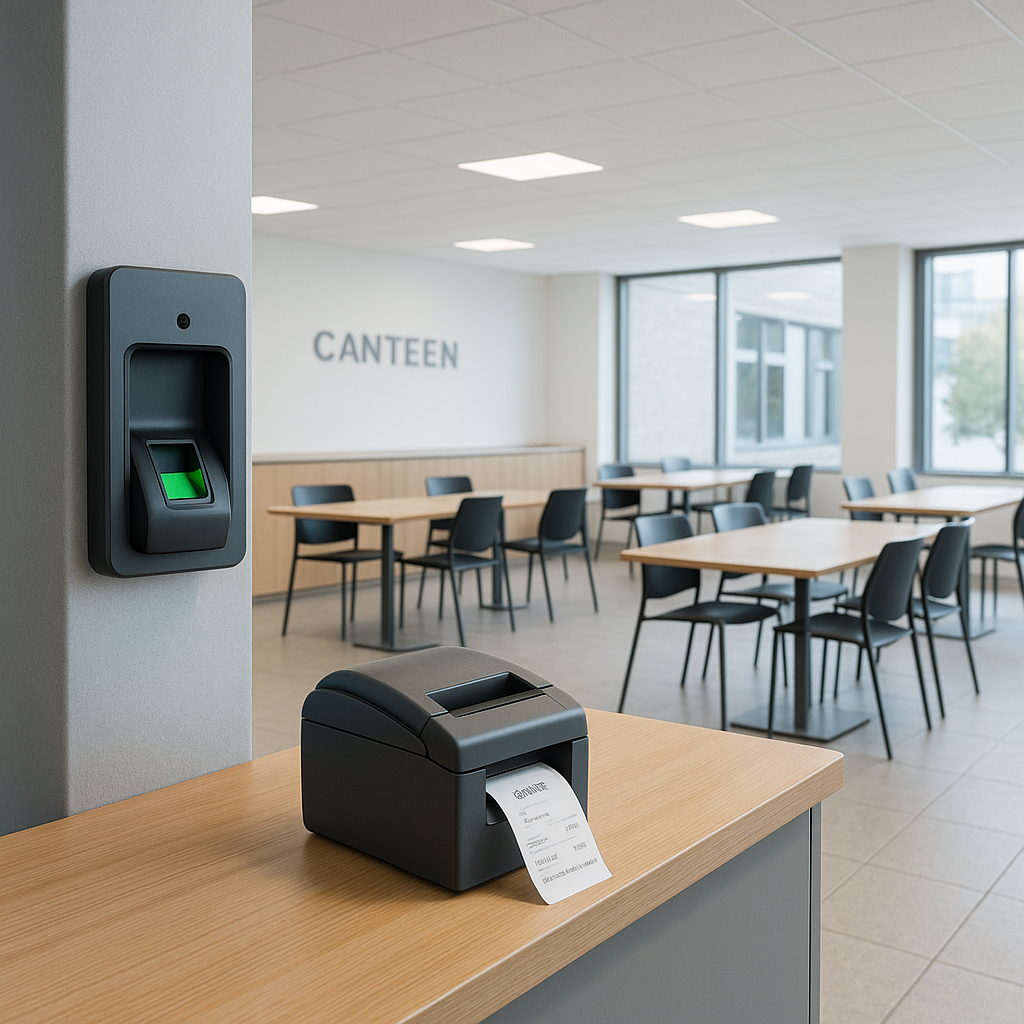
Goal: Implement one-touch user identification—no cards, no PINs.
- Enroll fingerprints or RFID badges and link them to employee profiles.
- Upon scan, the terminal instantly verifies identity and activates the POS session.
- Benefits: Prevents “buddy-punching,” enhances security, and further reduces queue times.
Receipt Printing
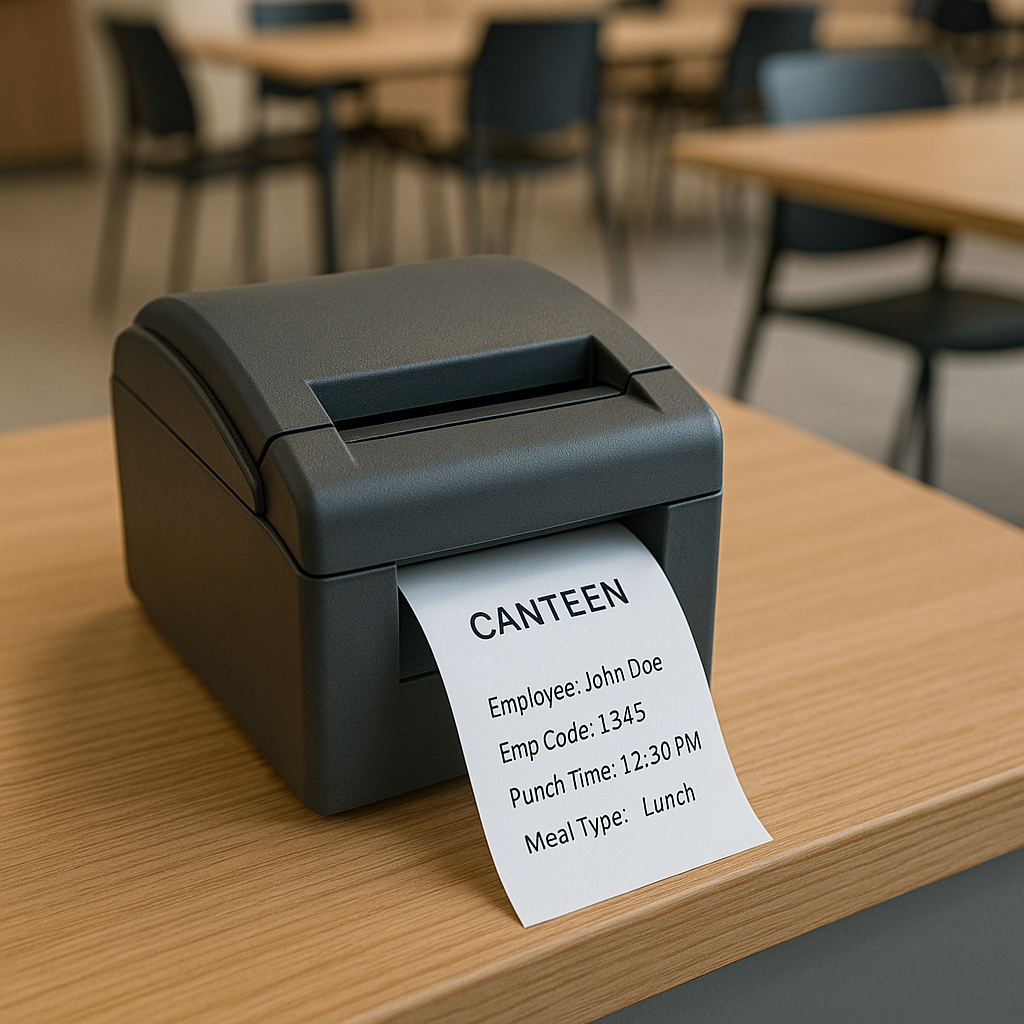
Goal: Provide users with an itemized, printed receipt immediately after payment.
- Connect a thermal printer via USB or network cable and configure a professional receipt template.
- Include company branding, item breakdown, taxes, discounts, total, and a “Thank you!” footer.
- Benefits: Enhances transparency, reduces disputes, and leaves a paper trail for audits.
Best Practices & Next Steps
- Regular Maintenance: Clean biometric sensors weekly and update firmware monthly.
- Data Backups: Schedule nightly exports of transaction logs and user enrollments.
- Inventory Sync: Integrate with kitchen stock systems to auto-reorder supplies based on actual usage.
- Mobile Pre-Orders: Consider a companion app for staff to place orders in advance and pay cashlessly.
Conclusion
By rolling out your canteen upgrade in clear, manageable stages—starting with a digital POS, then adding biometric authentication, and finally integrating receipt printing—you minimize disruption and gather valuable feedback at each step. The result is a smoother, more accurate, and data-driven dining experience that delights both staff and management.
Published on May 30, 2025 by Dharmesh Patel
99792 38045
info@hrmex.in